· Annalien Burger · 3 min read
How Growing Manufacturers Outgrow Excel
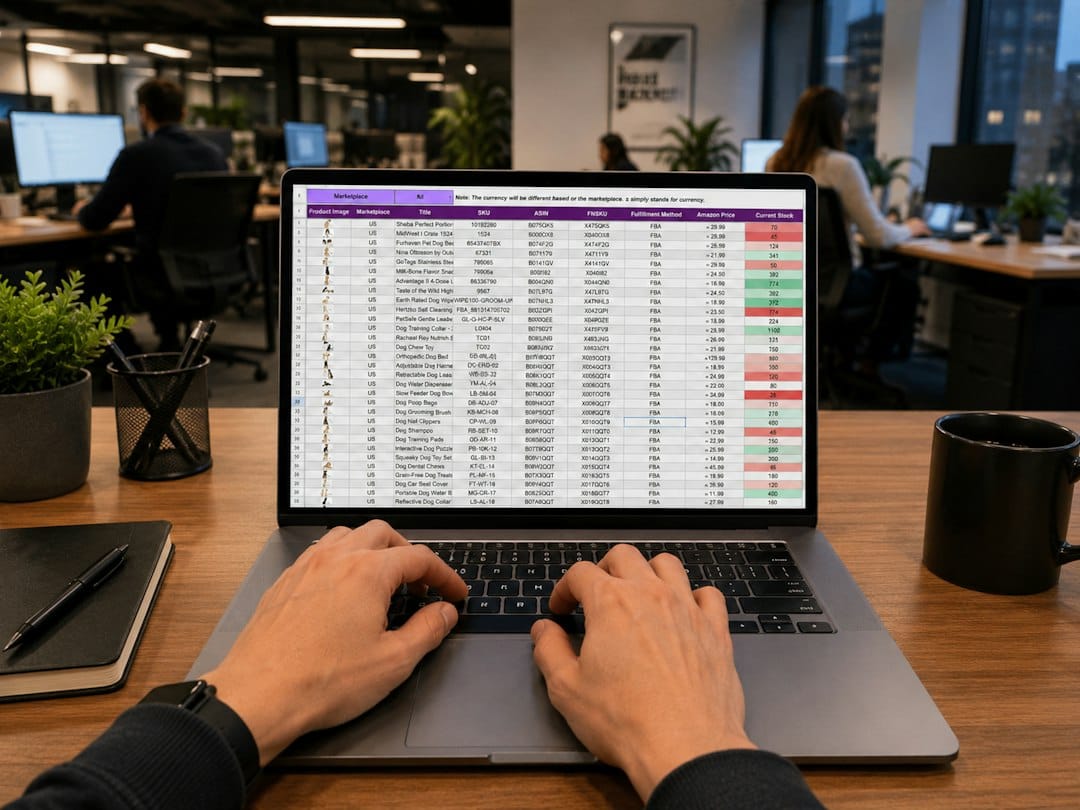
At first, Excel feels like the perfect tool for a growing factory. It is cheap, everyone knows how to use it, and you can build a tracker for anything in an afternoon.
Need a stock list? Start a sheet.
Need a production schedule? Add a tab.
That is exactly why it is so hard to spot the moment it stops helping.
There is no day when Excel breaks. Instead, it quietly gets slower, messier, and less trustworthy. What once felt flexible starts to feel like a bottleneck.
If you are seeing the following three symptoms, you have probably already passed that point:
1. Duplicated effort: doing the same work twice (How many times do we enter the same number?)
As you grow, more people, more shifts, more products, and more customers mean the same information has to be entered in more places.
At Detroit Manufacturing Systems, a tier-one supplier for Ford and Volvo, the team described pulling data out of one source into an Excel file and then doing Excel gymnastics on top of it. Every report became a manual rebuild, not a quick refresh.
At engineering firm De & Co Hranice, it looked like this: one person filled something into a table in Excel and another person rewrote the same data into a different table. Two people, doing one job, with double the chance of a typo.
On the shop floor, it often looks even simpler. The warehouse team counts stock for their sheet on Friday. Production counts the same bins for theirs. By Monday, stores has 42 units of a bracket, production has 38, and purchasing has ordered based on a third number from last week. The system makes them do the same work twice, then argue about which version is right.
2. Reporting delays: making decisions on old news (How long after month-end do we actually know how we did?)
Excel reports are only as current as the last person who updated them. In a growing manufacturer, that is a problem, because by the time the sheet is finished, the factory has already moved on.
Take the industrial equipment maker that took 12 days every month to close the books, working from a spreadsheet named Close Checklist v14 FINAL. For almost two weeks, the team was still finishing last month, while trying to run this month!
In another manufacturing example, financial reports were always 7 to 10 days after month-end, so leadership made decisions on stale data. The numbers were eventually correct, just too late to act on.
Contrast that with Wiseco, which cut its monthly closing cycle from 5 days to 2.5 days once it could pull a report in minutes instead of rebuilding it.
In real life, that delay means a production manager waits until the 12th to learn if last month's overtime paid off, while sales promises delivery dates based on last month's stock. The factory is not standing still while the spreadsheet catches up. It is making expensive guesses.
3. Inconsistent data: when no one trusts the numbers. (If two people pull the same report, do they get the same answer?)
This is the most damaging symptom, because once people stop trusting the data, they start keeping their own versions.
At Williams Racing, the team was tracking 20,000 different parts and components on a single Excel spreadsheet, with essential metrics like component costs, inventory levels, and lead times missing! It was described as impossible to navigate and impossible to update.
Gates Underwater Products had the same problem in another form. It started with a software system plus Excel, but as the company grew there were too many spreadsheets and none reliably interconnected.
In a typical factory, inconsistent data shows up as a stockout that should not have happened. The spreadsheet says there is enough raw material, so production is scheduled. On the day when the team discovers the stock was already consumed, damaged, or incorrectly entered, production stops, machines sit idle, workers wait, dispatch slips, and customers get the apology call.
In a factory, a decimal point or a transposed Stock Keeping Unit is not just a typo. It becomes a wrong purchase order, a wrong build, or a wrong promise to a customer.
What to do next
Outgrowing Excel does not mean Excel was a mistake. It means you grew. The tool that got you from 5 people to 50 people is rarely the tool that will get you from 50 to 150.
If you recognise yourself in these stories, ask your team three questions:
- How many times do we enter the same number?
- How long after month-end do we actually know how we did?
- If two people pull the same report, do they get the same answer?
Conclusion
If the answers make you wince, it is not a spreadsheet problem anymore. It is a systems problem. And the sooner you fix it, the sooner your team can stop managing spreadsheets and get back to managing manufacturing.
Floware provides structured workflows, inventory visibility and operational controls while remaining accessible to small and medium sized manufacturers.
Get in touch. [Book a Free Demo →]
Get new posts by email
Practical writing on running a goods business. Unsubscribe any time.