Where to start
Flōware Factory
Flōware Factory is for manufacturers: bills of materials, production orders and quality holds. Every finished batch gets a label as it comes off the line.
We set Flōware up around how your business works. You don't change how you work to fit the software. You add to Flōware as you grow.
On the floor
Every delivery, move and pick is scanned where it happens.
Each zone has its own scanners, printers and screens.
01
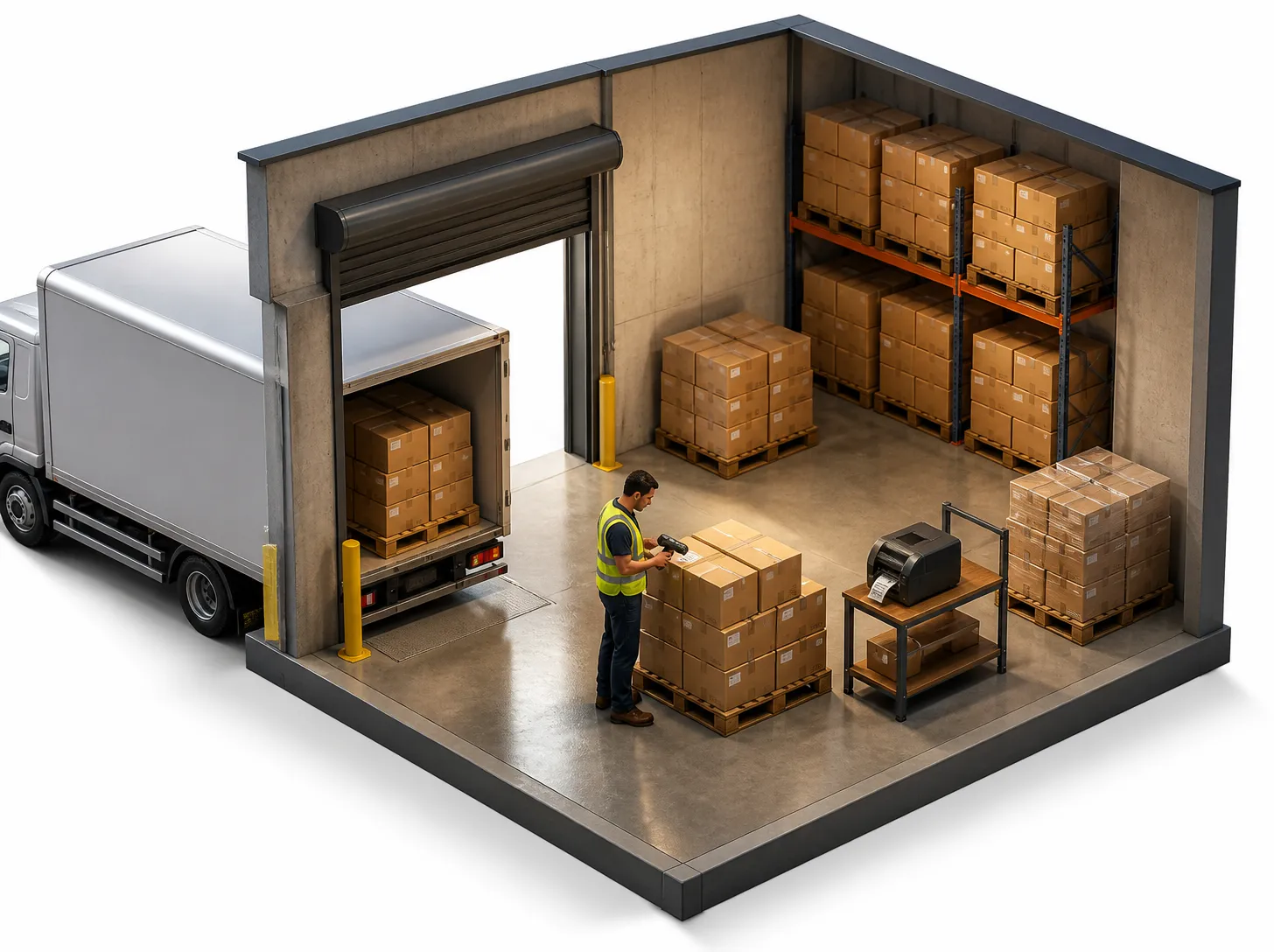
Receiving bay
Every delivery is scanned in against the order. Every box gets a label.
02
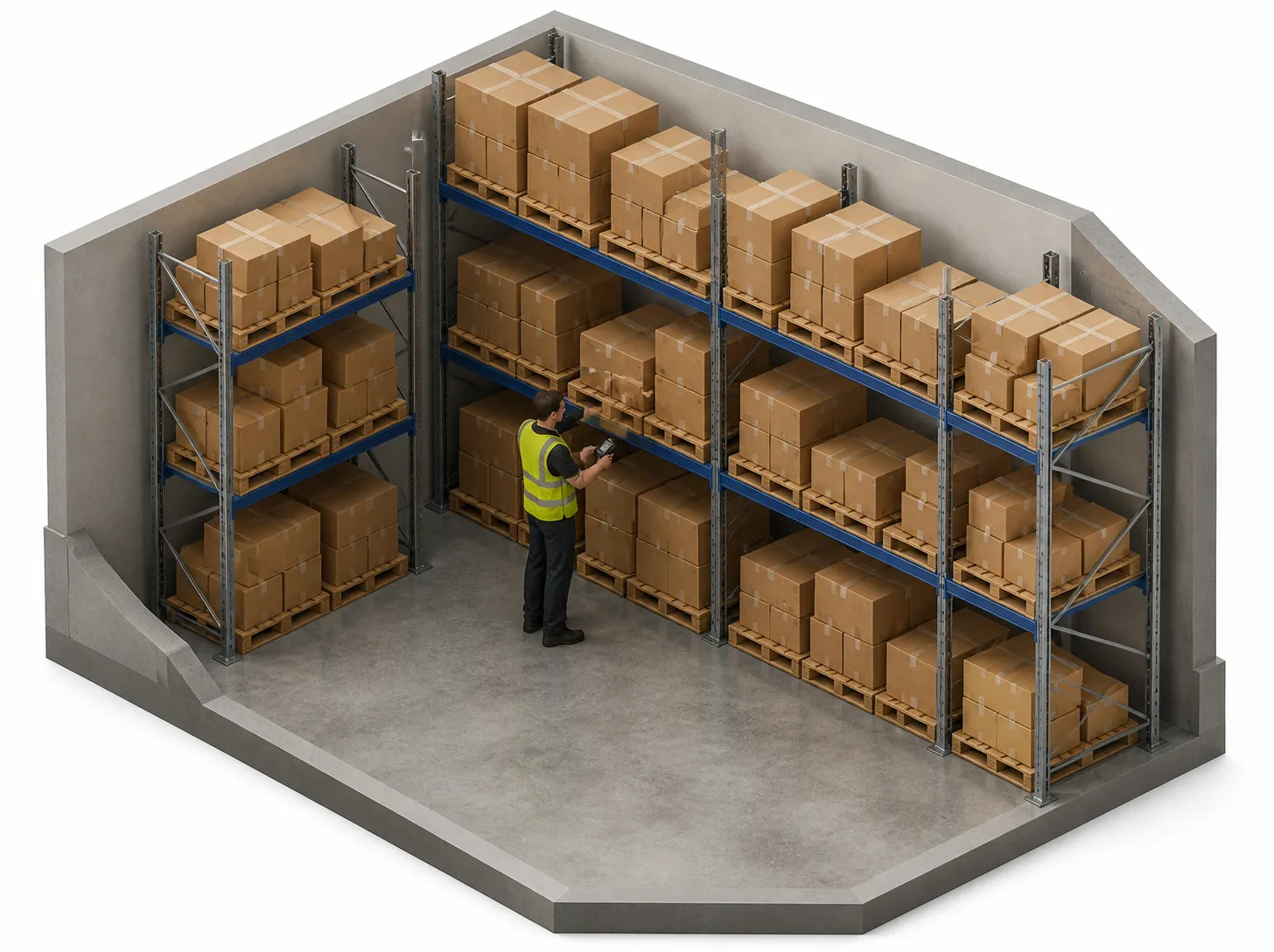
Inventory stores
Stock lives in a named bin. Every move and every stocktake is scanned.
03
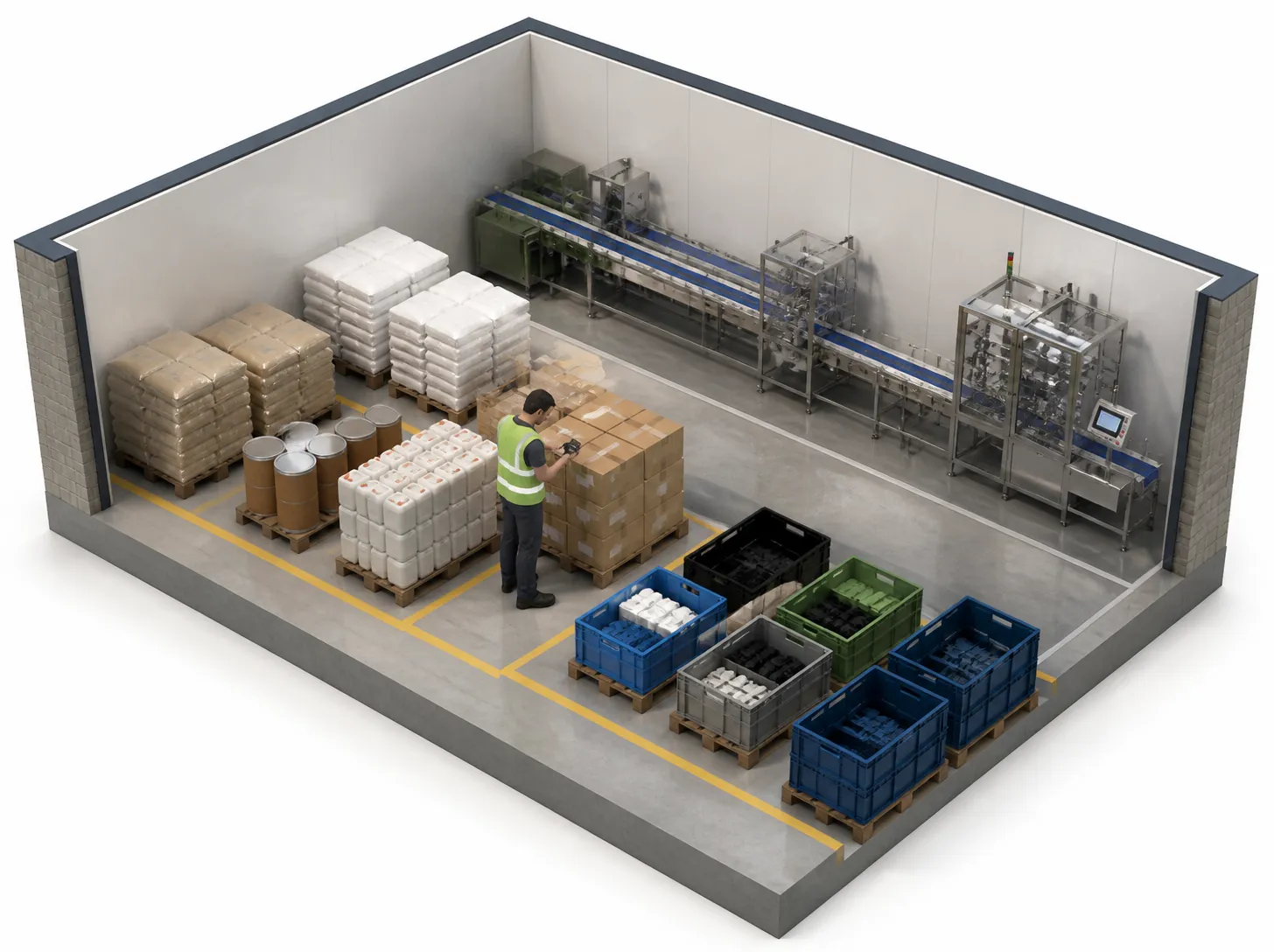
Staging area
Each production order takes its stock from a named staging bay.
04
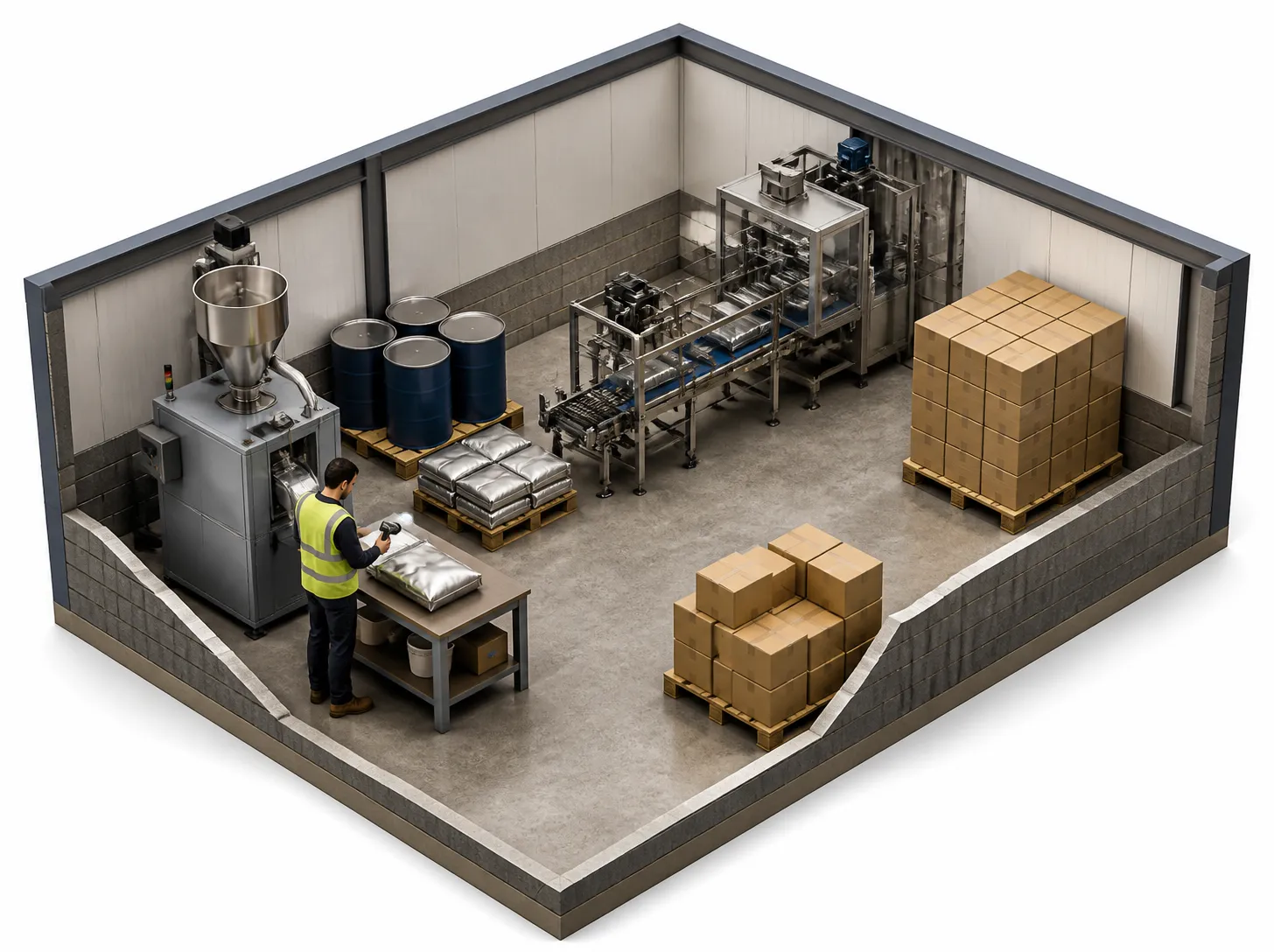
Machines & assembly
Production orders use up the raw materials and book what was made. A quality hold stops a batch from moving.
Coming soonAn Edge Station at the bench records every weigh, count and check.
05
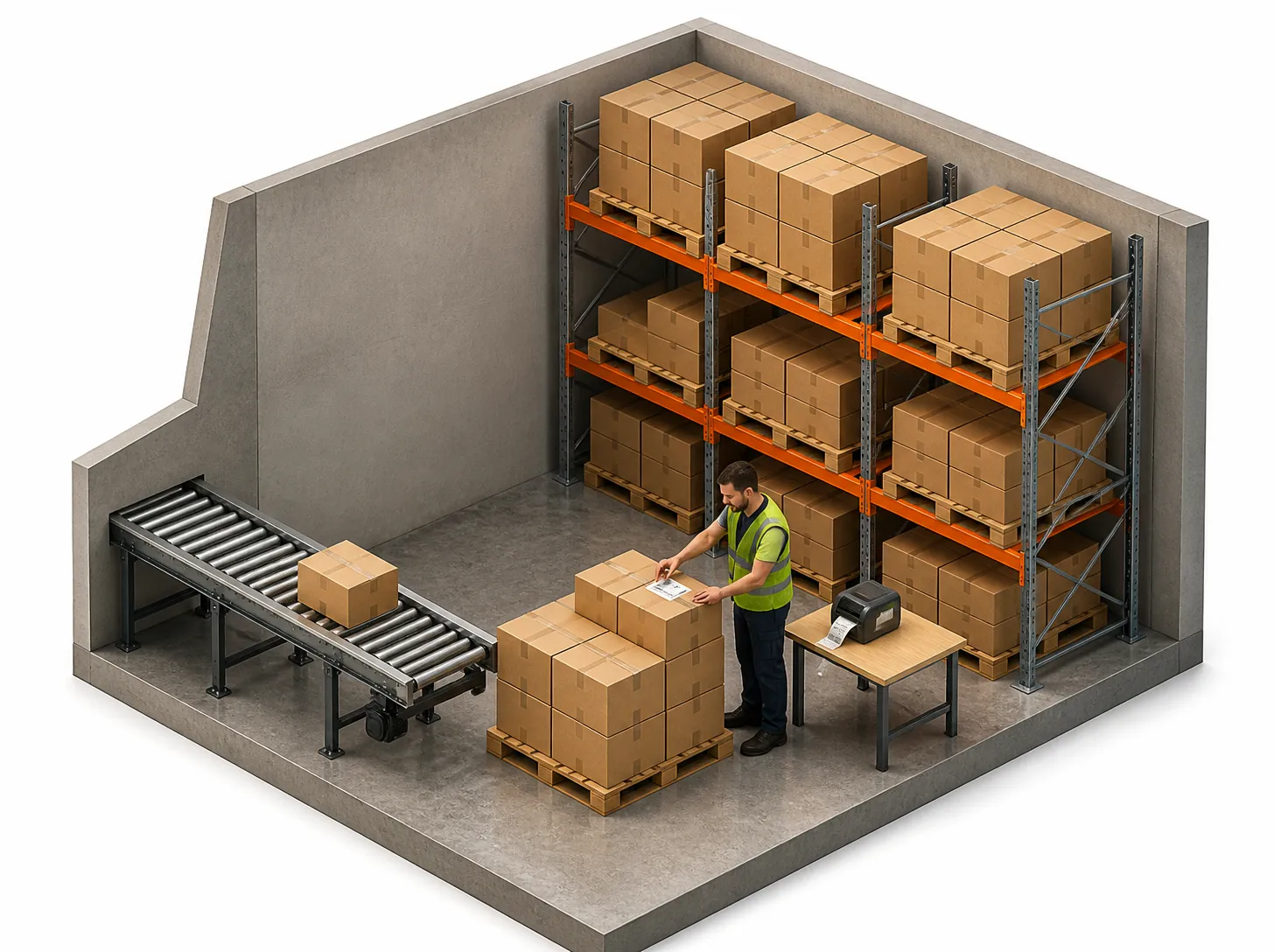
Finished goods
Finished goods get a label as they come off the line.
06
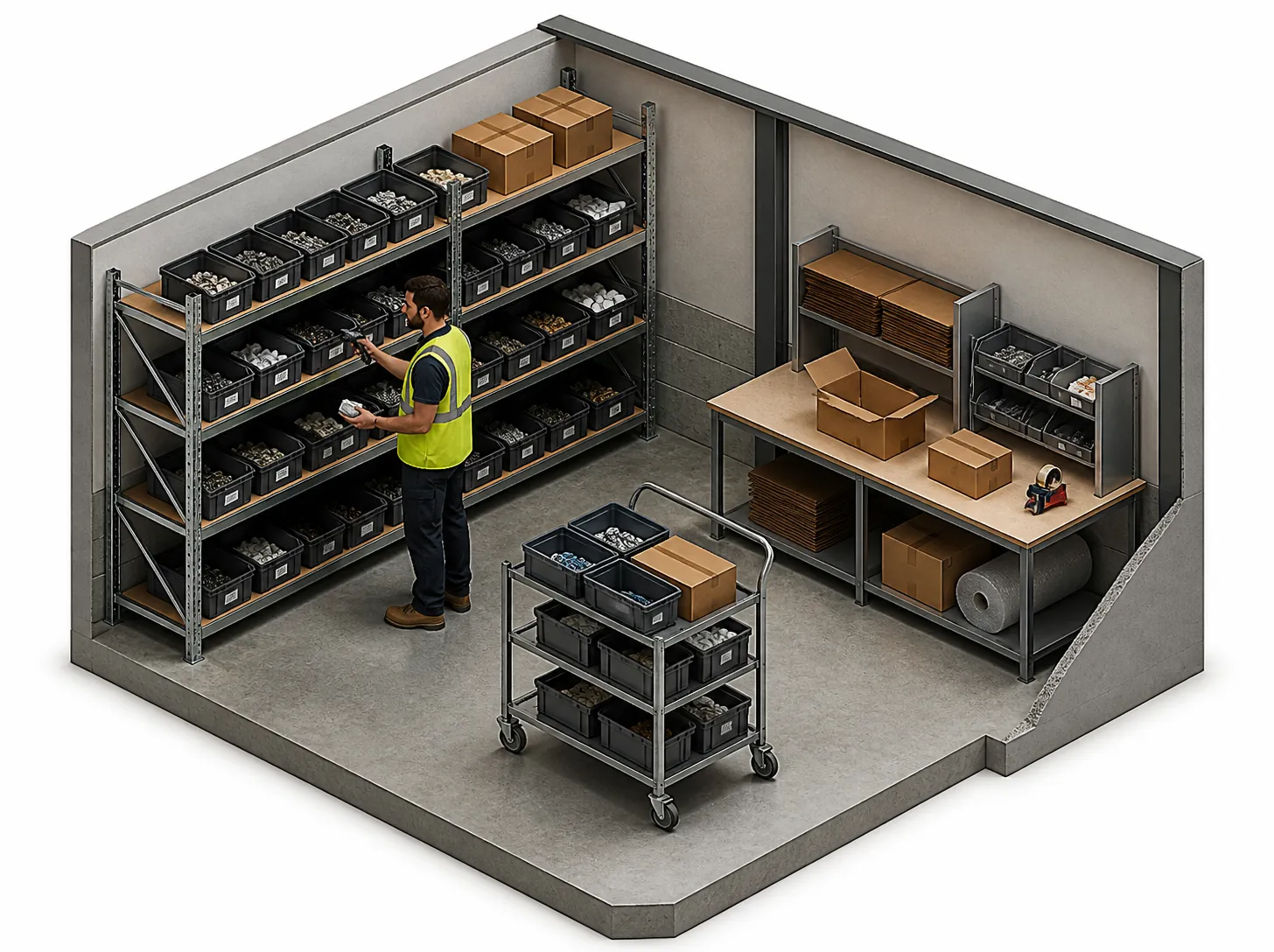
Picking and packing
Pickers scan each item as they pick it.
07
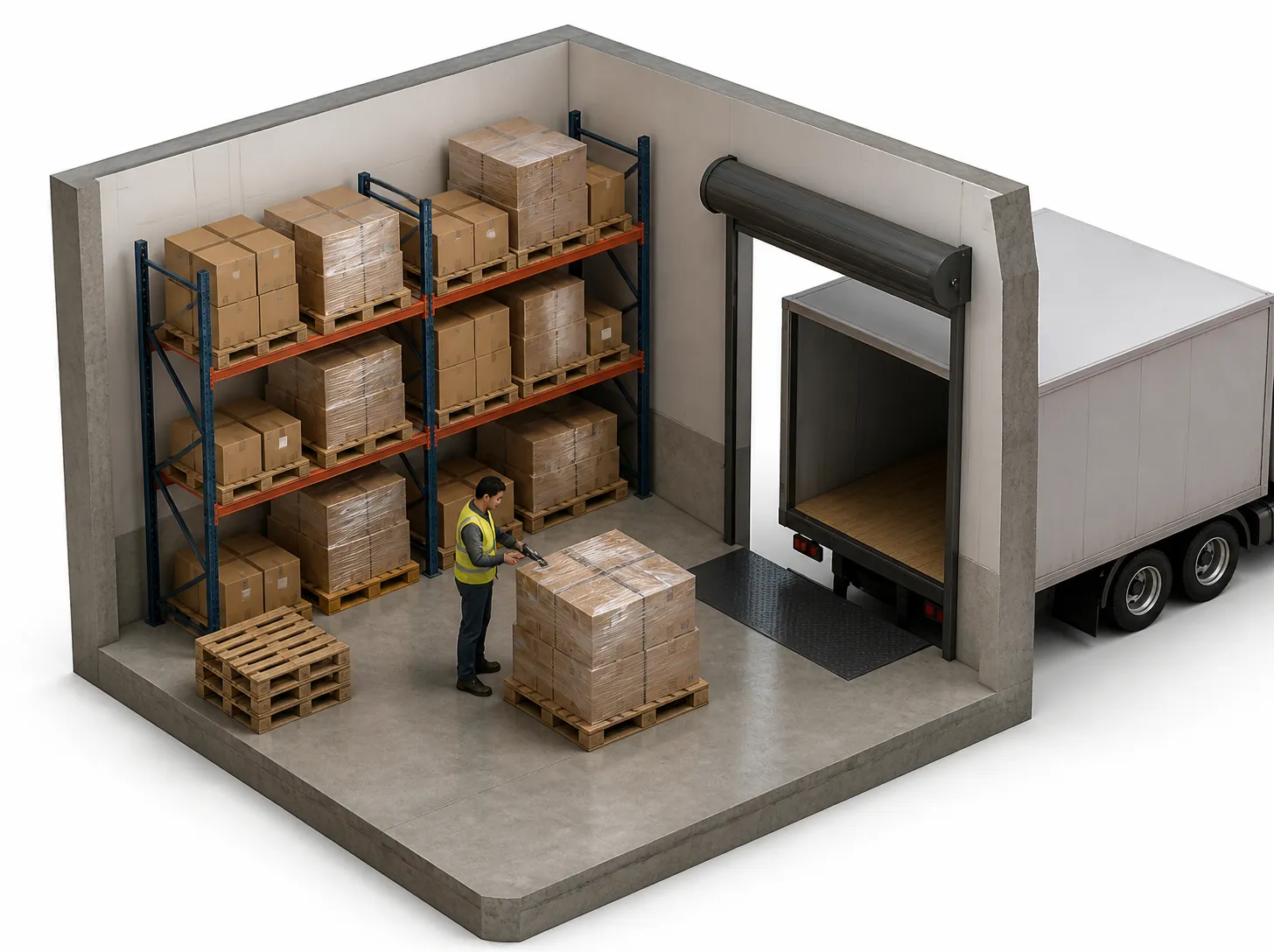
Dispatch
Each order leaves with a delivery note, a carrier and a tracking number.
Coming soonDrivers capture a signature and a photo at every drop.
08
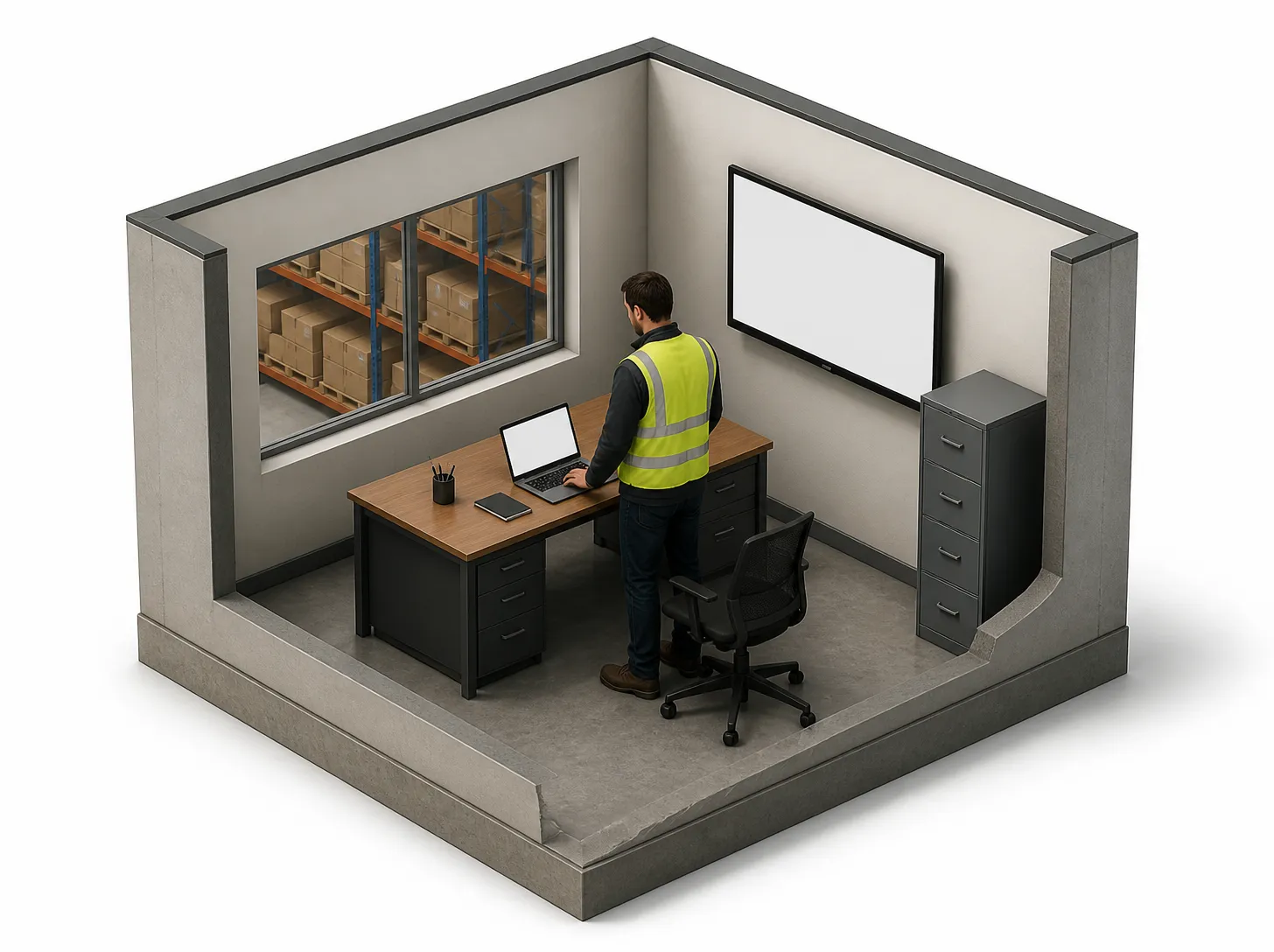
The office
Problems show up as the floor works: stuck orders, short stock, held batches.
Coming soonA wall screen for each team shows today's output and orders.
What's included
The software and hardware that connect your floor to the office
Every business gets stock, sales and purchasing. Manufacturers also get production orders, quality holds and the scanning app.
The software
- Inventory
- Stock by warehouse, zone and bin, with transfers, stocktakes and units of measure.
- Sales
- Quotes, sales orders and customer price lists. A discount over your limit needs a second person to approve it.
- Purchasing
- Purchase orders, goods receipts and supplier certificates.
For manufacturers
- Manufacturing
- Bills of materials, production orders and work in progress on the factory floor.
Warehouse scanning app
A barcode scanning app for the floor: receive deliveries, pick orders, move stock between bins and count stock on a handheld scanner.
Runs on the handheld scanner.
Often added
- Lot, batch and serial tracking
- Know which batch went where, from the dock to the customer. Stock that expires first gets picked first. A recall takes one step.
- Accounting integration
- Invoices, supplier bills and stock adjustments post straight into your cloud accounting software.
The hardware
This is the kit for one site. We specify and supply it on its own itemised quote. You can use your own instead if it passes a compatibility check.
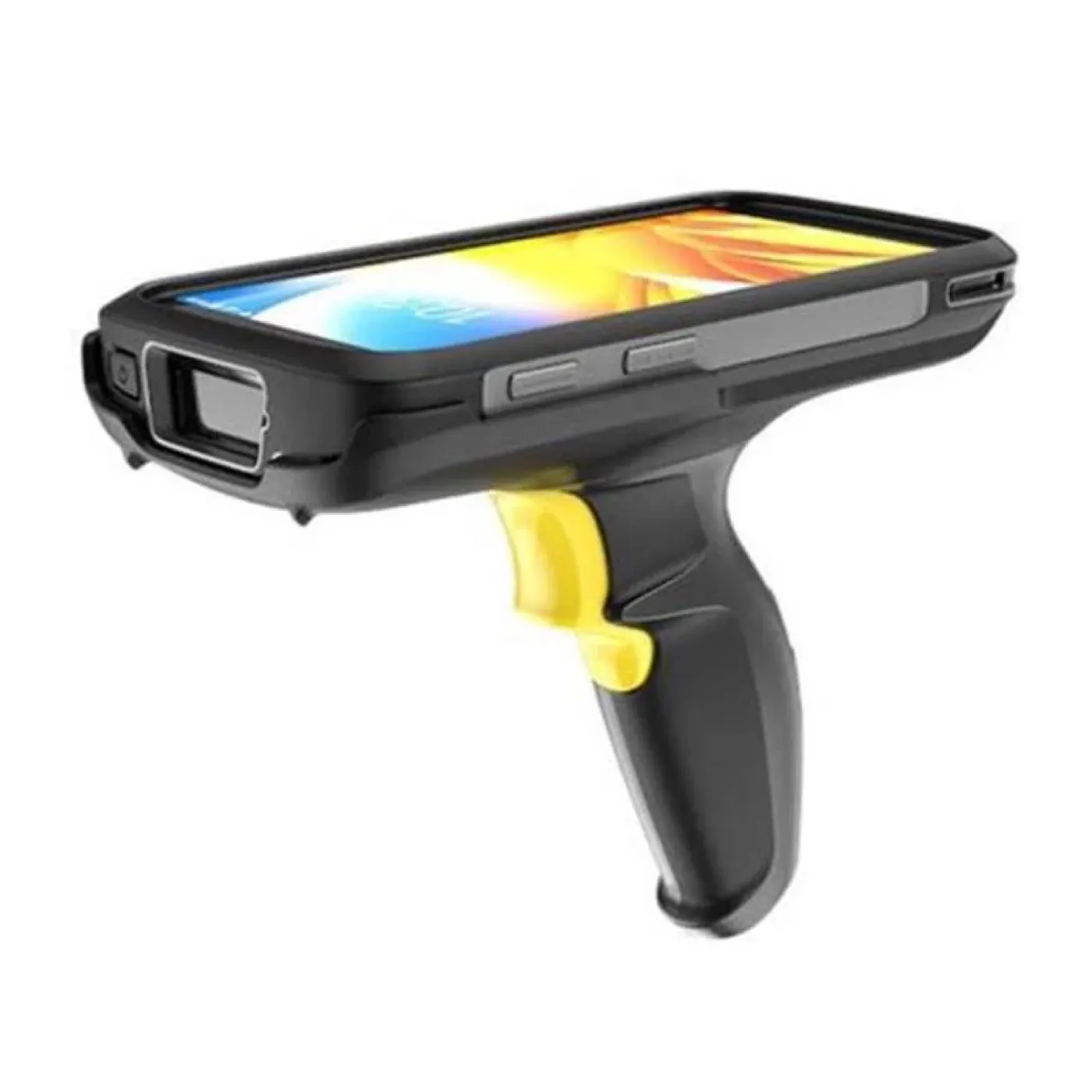
Handheld scanner
Scans every receipt, pick, move and count.
Zebra TC22 handheld scanner package
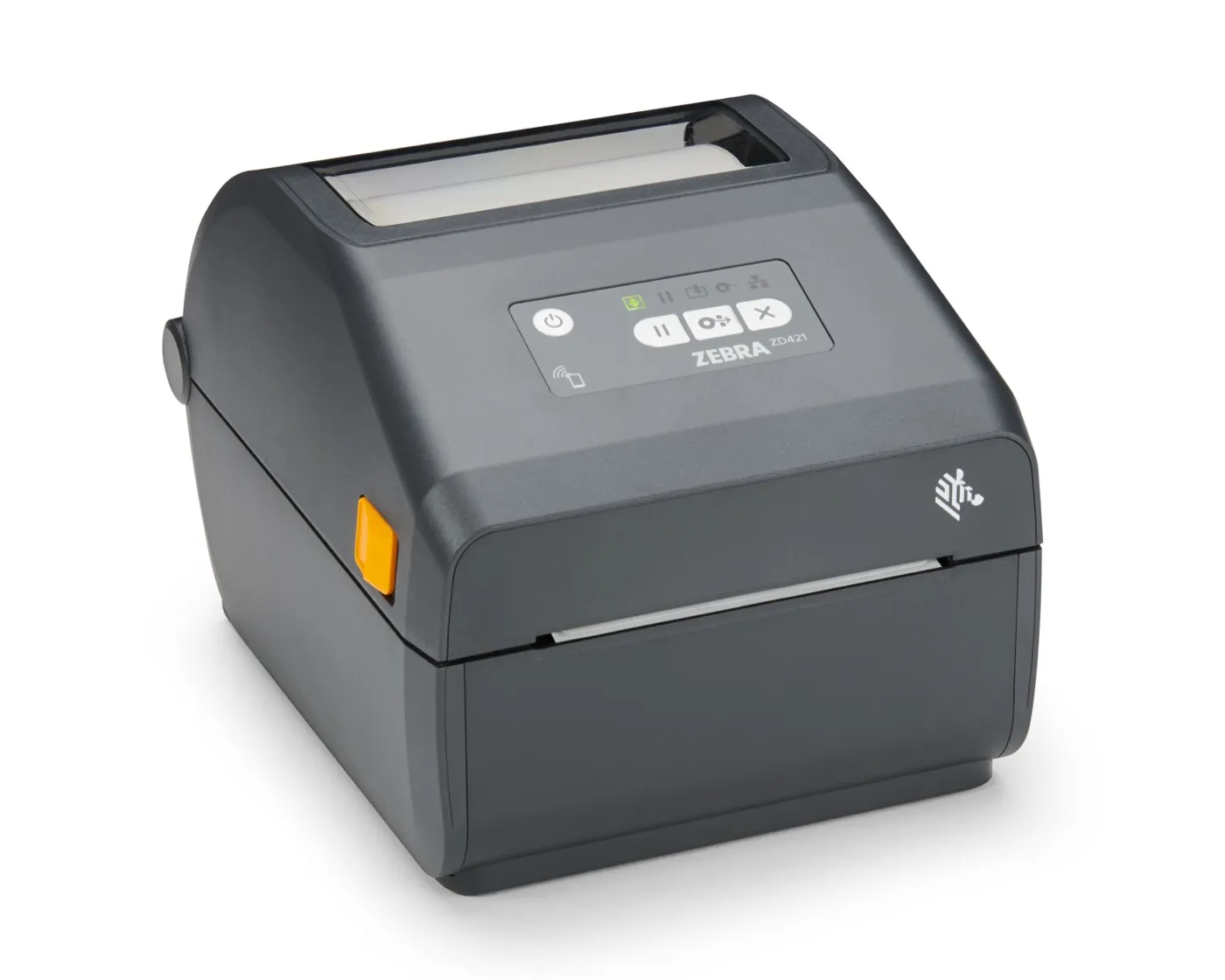
Label printer
Prints a barcode label for every box and pallet.
Zebra ZD421 thermal transfer label printer, USB + Ethernet
- Dispatch · today14:05Picked42Packed38On hold2
Wall screen
Shows the team today's numbers and what needs attention.
Samsung 65-inch display unit
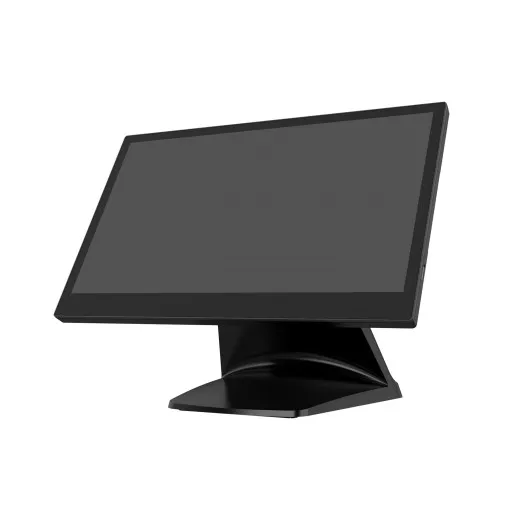
Touchscreen station Coming soon
Operators weigh, count and check each job on this screen at the bench.
Flytech 15-inch touch panel computer
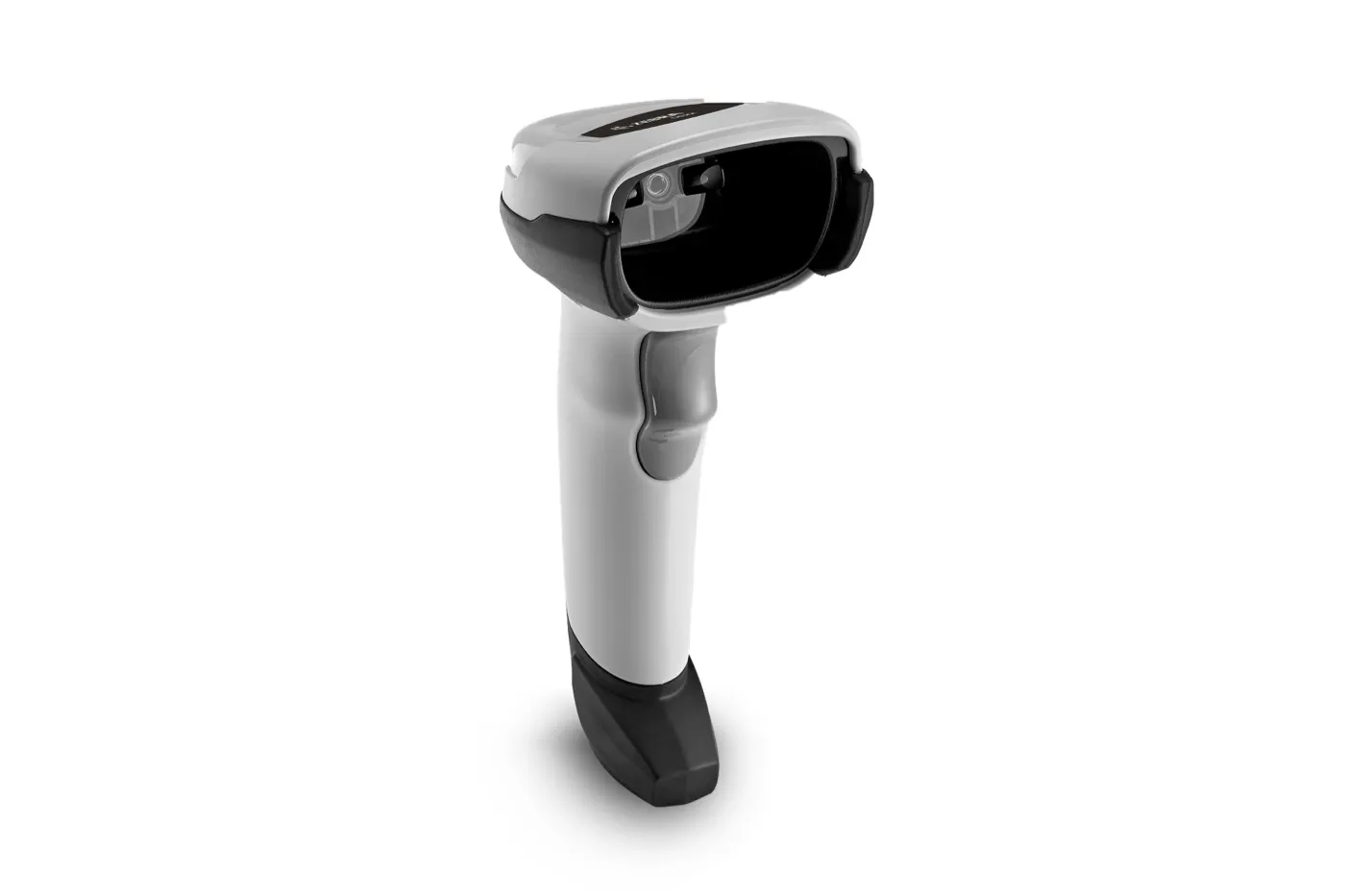
Bench scanner Coming soon
Scans the batch label on each part at the bench.
Zebra DS2208 corded barcode scanner (USB, keyboard wedge)
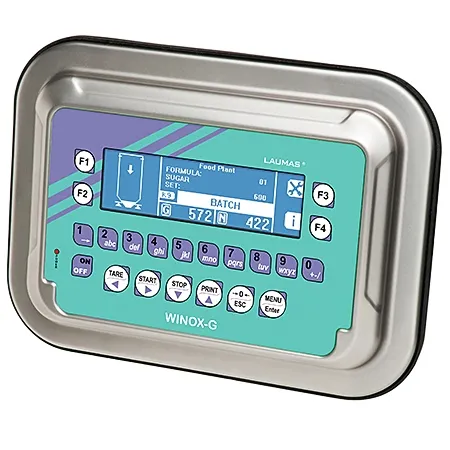
Counting scale Coming soon
Weighs and counts parts straight into Flōware.
Counting scale
Features
Every feature in Flōware Factory
Open any feature to see how it works.
Get straight answers about your own business.
Why did margin drop? Where did the stock go? Which customers are slipping away? We show you where those answers would come from. We also tell you what Flōware would cost.