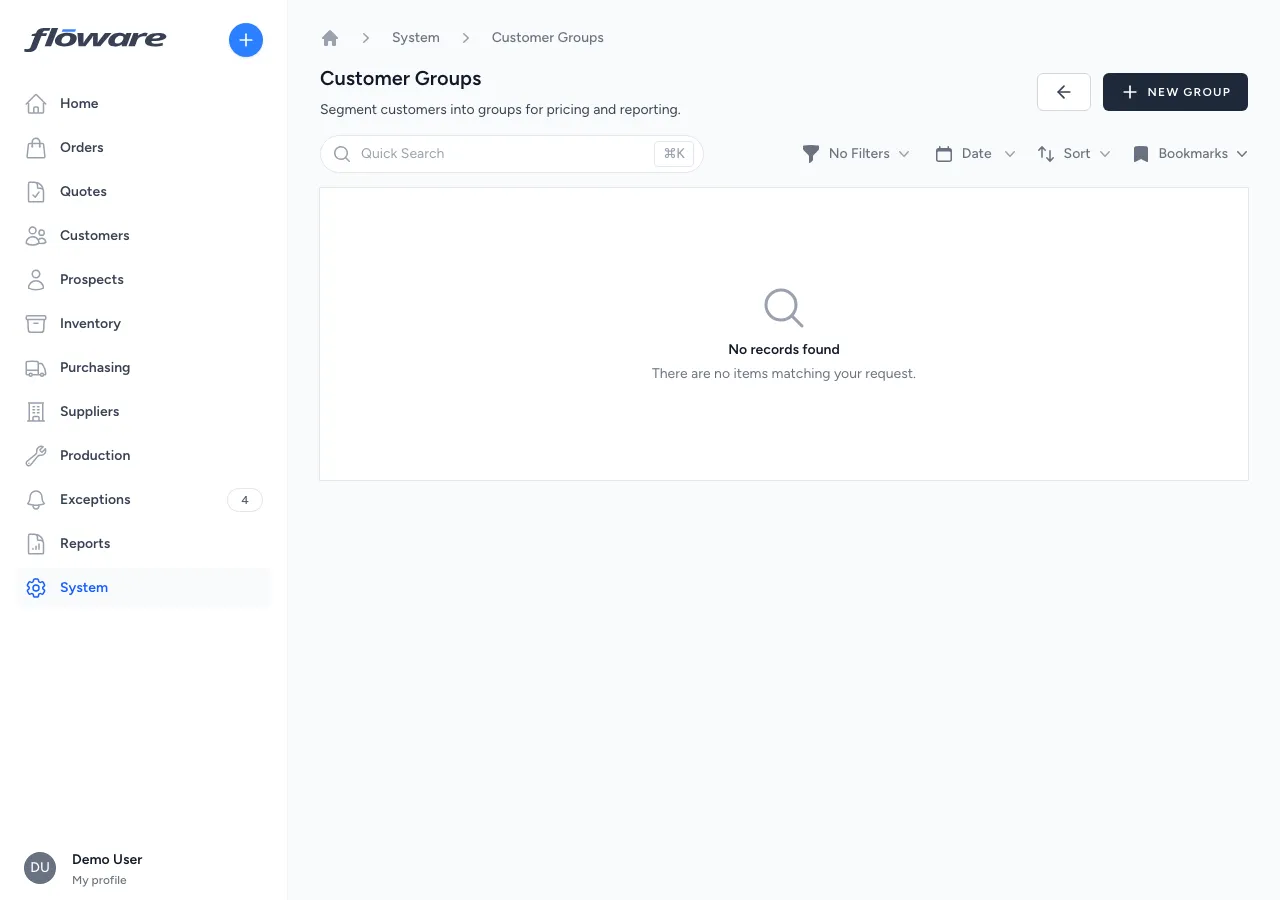
Customer Groups
Segment customers into named groups (Trade, Retail, Export) and drive pricing and discounts from the segment, so every customer in a group automatically gets the right terms.
- Segment once, price automatically
Assign a price list to 'Trade' or 'Retail' and every customer in the group gets the right pricing. No per-customer configuration.
- Discounts that target a segment
Scope discount rules to a group, so '10% off for trade customers' applies to every member automatically. No per-customer setup.
- Group badges on every customer
Each customer record shows which segments they belong to as visible badges, and membership is managed directly from the customer detail page.
- Change once, applies to everyone
Update the group's price list and every customer in the segment picks it up immediately. No customer-by-customer rework.
What it does
Segments customers into named groups for pricing and reporting. Each group can optionally have its own price list, and discount rules can be scoped to specific groups, so all customers in a segment automatically receive the right pricing without configuring each one individually. Customers can belong to multiple groups, and group membership is managed directly from the customer detail page.
What it replaces
Replaces maintaining separate spreadsheets of "which customers get trade pricing" versus "which get retail pricing," and manually looking up a customer's segment before quoting. Without groups, applying segment-based pricing or discounts means remembering who belongs where, or getting it wrong.
Who it's for
Wholesalers and distributors who sell to different types of customers at different price points: trade vs retail, domestic vs export, key accounts vs standard. Also valuable for any business that runs promotions or discount programs targeted at specific customer segments rather than individual accounts.
What problems it solves
- Different customer segments need different pricing, but it's managed per customer. Assign a price list to the group instead of to each customer individually. Every customer in "Trade" gets trade pricing, every customer in "Retail" gets retail pricing. Update the group and everyone gets the change.
- Discount rules can't target a segment of customers. Discount rules can be scoped to a customer group, so a "10% off for trade customers" rule applies automatically to every customer in that group. No per-customer setup needed.
- No way to see which segment a customer belongs to. Group badges are displayed on the customer overview page, showing at a glance which segments they're part of. Groups can be added or removed directly from the customer record.
- Changing pricing for a segment requires updating every customer. Because pricing is linked to the group (not the customer), changing the group's price list updates pricing for every member in one action.