Customer Management
The 360° customer record: contacts, addresses, orders, quotes, attachments, and pricing agreements, all on a single page with a live activity feed.
- A 360° view of every customer
Overview, orders, quotes, addresses, contacts, and attachments: six tabs covering everything about a customer relationship, all in one place.
- Instant health snapshot
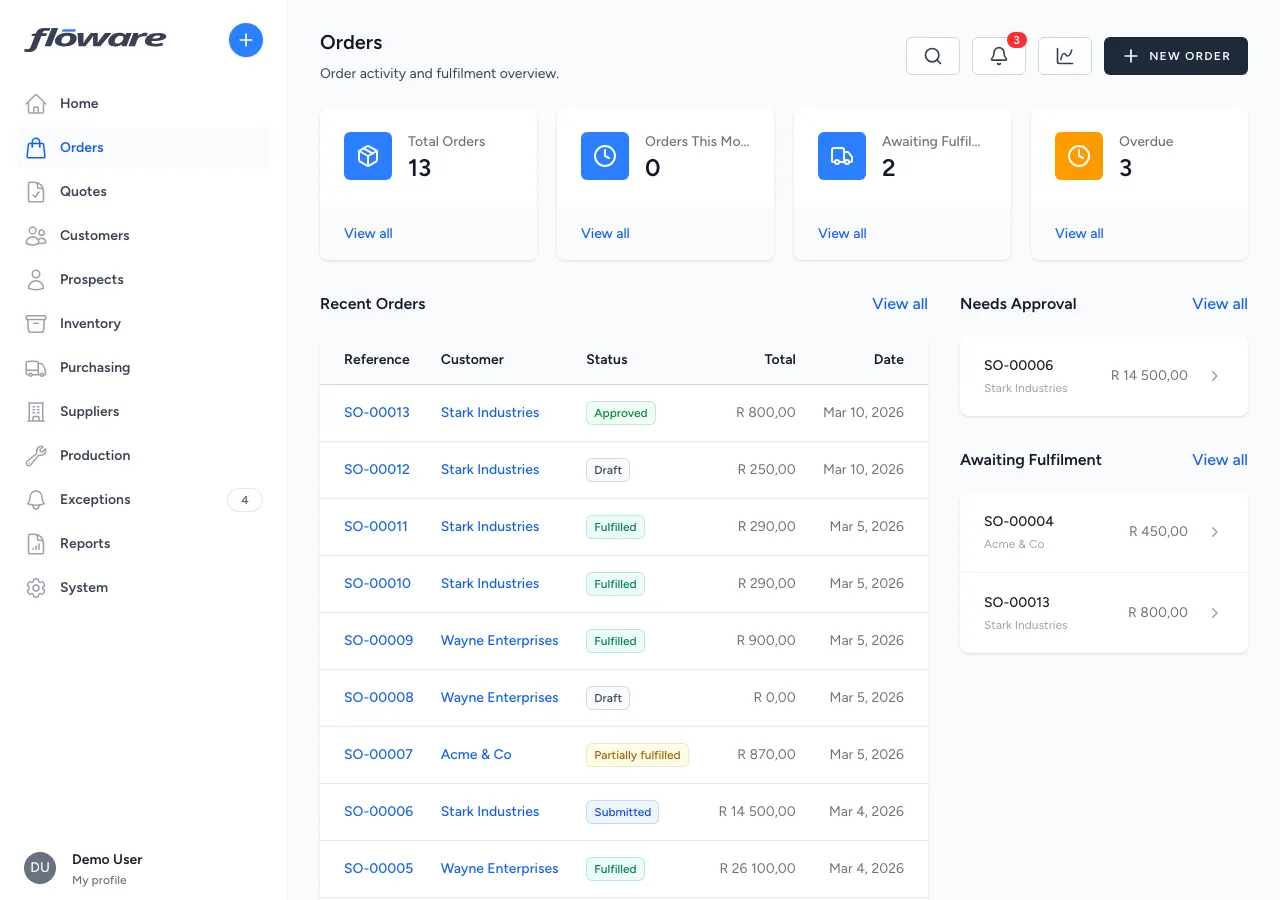
Summary cards show total orders, revenue this month, awaiting fulfillment, and pending approvals, so you assess the relationship at a glance during a call.
- Prospects carry over on conversion
When a prospect becomes a customer, all their contacts, quotes, and history transfer automatically, no re-keying, no broken links.
- Multiple addresses, one default
Type addresses as billing or shipping, mark one as default, and the right address flows into every new order and quote automatically.
What it does
Manages your customer database: every company you sell to, with their contact details, billing and shipping addresses, order history, quotes, contacts, groups, price lists, account ownership, and attached documents. Each customer has a detail page with six tabs giving a complete 360-degree view of the relationship, and the customer list supports filtering by owner, assignment status, and archive state. The list also works in bulk: tick a set of customers (or take the whole page in one click) and add a tag, remove a tag, add them to a group, or archive them in a single pass.
What it replaces
Replaces managing customer information across spreadsheets, email address books, and accounting systems, where details are scattered, inconsistent, and nobody has the full picture. Without a centralised customer record, every team has their own version of the truth.
Who it's for
Every business that sells to other businesses. This is a foundational feature. Customer records are referenced by quotes, sales orders, fulfillments, price lists, and invoicing. Whether you have 10 customers or 10,000, this is where the relationship data lives.
What problems it solves
- Customer information is scattered across systems. Name, reference, email, phone, tax number, addresses, contacts, order history, quotes, attachments, group memberships, price list, and account owner, all in one place, accessible to everyone with permission.
- No complete view of a customer relationship. The customer detail page has six tabs: Overview (summary + activity feed), Orders (full order history with status), Quotes, Addresses (billing and shipping), Contacts (people at the company), and Attachments, giving a complete picture without leaving the page.
- Managing multiple addresses is awkward. Each customer can have multiple addresses typed as billing or shipping, with one marked as default. Addresses are used automatically when creating orders and quotes.
- Prospects don't connect to the customer record when they convert. When a prospect converts to a customer, all their data carries across: no re-keying. The customer record is created and linked to any existing quotes in one action.
- No way to see a customer's order history at a glance. The Orders tab shows summary cards (total orders, revenue this month, awaiting fulfillment, needs approval) plus a full order table, making it easy to assess the relationship during a conversation.
- Reclassifying a customer base means opening forty records. Filter the list to the customers you want, tick them, and apply the change once: a tag, a group, or archiving. The batch reports back per customer, so anything it couldn't do (already archived, already in that group) is named with the reason rather than failing silently.