Product Images
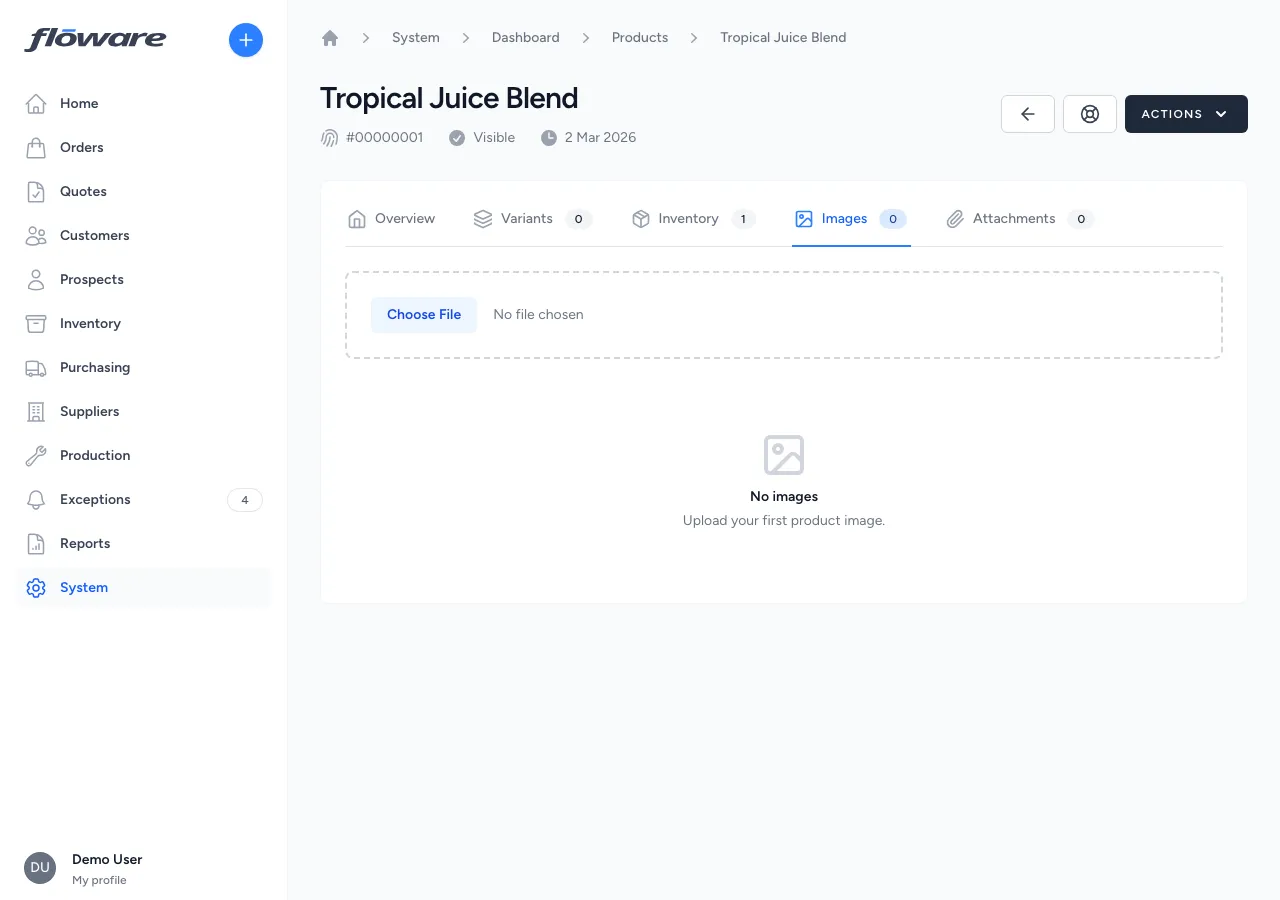
A dedicated image gallery on every product, with drag-to-reorder, primary image designation, auto-generated thumbnails, and a full-size lightbox view.
- A dedicated image gallery per product
Photos live on the product, separate from general attachments, with a primary hero image, drag-to-reorder, and a lightbox for full-size views.
- Fast thumbnails, full originals on click
Auto-generated thumbnails keep the gallery grid loading instantly, while the full-resolution originals stay one click away in a lightbox.
- Primary image, clearly marked
The first image in the gallery carries a 'Primary' badge. Control which photo leads by reordering with up/down arrows.
- Images separated from documents
Product photos stay on the image gallery tab; contracts and spec sheets stay on attachments. Neither clutters the other.
What it does
Adds a dedicated image gallery to each product, separate from general file attachments. Upload product photos, arrange them in the order you want, and designate a primary hero image, all with auto-generated thumbnails for fast loading. Click any thumbnail to view the full-size original in a lightbox overlay.
What it replaces
Without this, product photos typically live in a shared drive, email thread, or are manually attached as generic files with no visual preview. Sales and warehouse teams end up scrolling through unsorted attachments or asking colleagues to send "the latest photo of that product."
Who it's for
Any business that needs visual product identification: distributors with large catalogues, manufacturers showcasing finished goods, or wholesalers whose sales teams need quick access to product photos during customer calls. Particularly valuable for businesses with visually similar products (e.g. food & beverage flavour variants, building materials in different finishes) where a photo prevents picking or ordering errors.
What problems it solves
- Product photos are scattered and hard to find. Images live directly on the product record in a dedicated gallery, no more digging through shared drives or email attachments to find the right photo.
- No way to control which image represents the product. The first image in the gallery is automatically marked as the primary image with a "Primary" badge. Reorder images with the up/down arrows to change which one leads.
- Large image files slow everything down. The system automatically generates optimised thumbnails for the gallery grid, so pages load fast even with multiple product photos. Click any thumbnail to see the full-resolution original.
- Product photos mixed in with contracts and spec sheets. Images and attachments are kept on separate tabs (photos in the image gallery, documents in the attachments tab) so neither clutters the other.