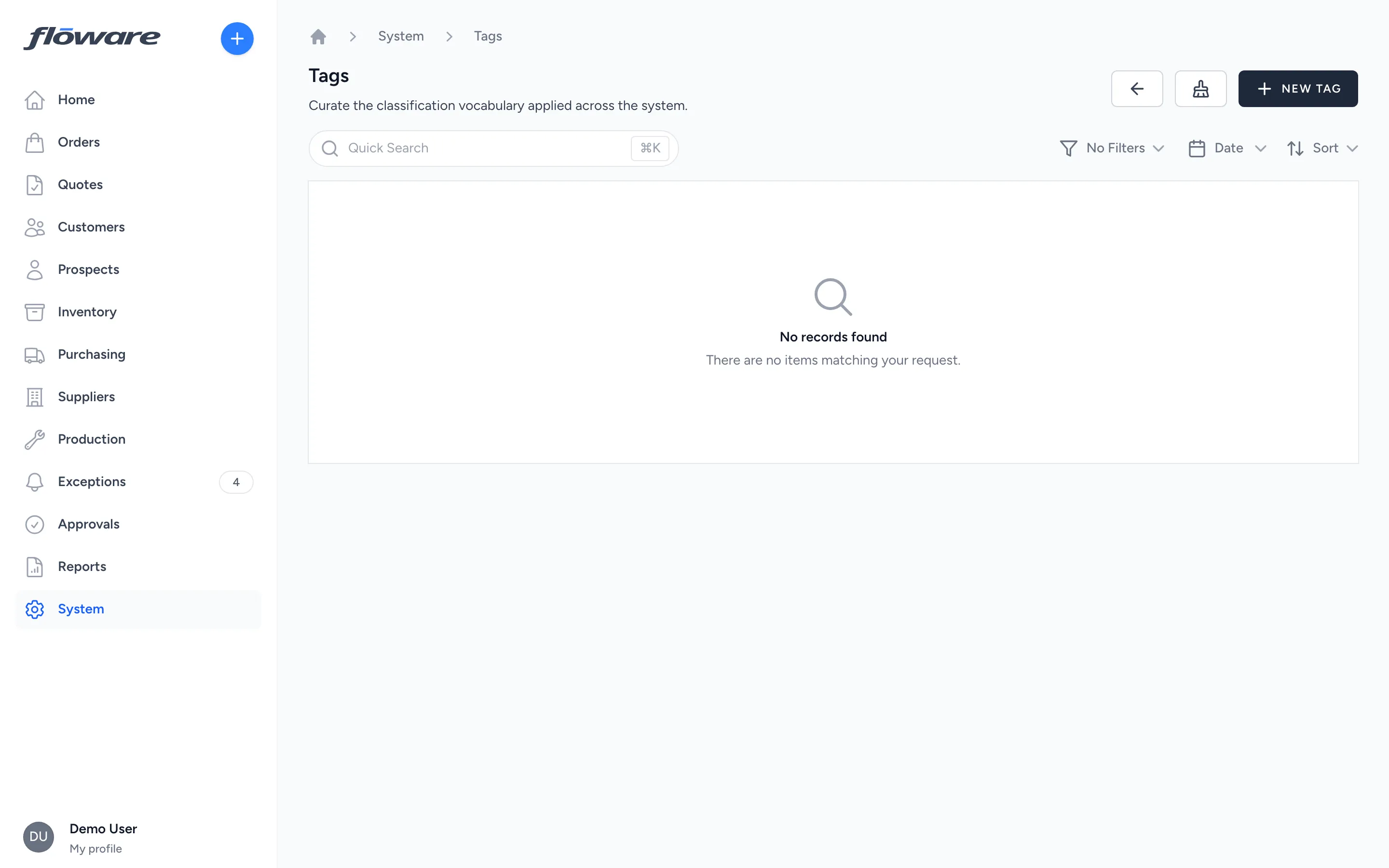
Tags
Colour-coded labels on any record (customers, products, orders, quotes, POs) scoped to specific record types, filterable on every list, and archivable without losing history.
- Flag records without new fields
Create a 'VIP' or 'Holiday Promo' tag in a distinct colour, apply it to relevant records, visible as a pill and filterable on every list.
- Archive tags without losing history
When a campaign ends, archive the tag. It disappears from the picker but stays on the records it was applied to. Your history stays intact.
- Merge duplicates, zero retagging
End up with 'VIP', 'vip', and 'V.I.P.'? Merge them into one. Every record with any variant consolidates to the single tag automatically.
- Scoped to record types, scoped by role
A tag scoped to orders and products won't appear on customer records. Tagging permissions also scope who can apply what. Your vocabulary stays clean.
What it does
Tags are flexible, colour-coded labels you can stick on any record in the system (customers, products, orders, quotes, purchase orders, suppliers, and more). They're created and curated by administrators as a shared vocabulary, then applied by users across the business to organise, filter, and find records faster. Tagging works at line level too. You can tag a single line on a sales order, quote, or purchase order, not just the document as a whole. Each tag can be scoped to specific record types (e.g. a "VIP" tag that only applies to customers, or a "Holiday Promo" tag that applies to customers, products, and orders) and has a colour for instant visual recognition. Tags can be applied in bulk as well as one at a time. Filter a list to the records you want, tick them, and add or remove a tag across the whole selection in one pass.
What it replaces
Without tags, teams end up adding free-text notes ("VIP", "hold for QC", "promo eligible") in description fields that nobody can search consistently, or maintaining a separate spreadsheet mapping internal codes to account flags. Tags give that same flexibility but in a consistent, searchable, filterable system that everyone shares.
Who it's for
- Any business that needs informal classification beyond the built-in fields. Tags fill the gap between rigid category structures (Customer Type, Product Category) and free-text notes that no-one can find.
- Sales teams tagging key accounts, promo-eligible customers, or at-risk prospects.
- Warehouse and operations teams tagging products for special handling ("fragile", "cold chain", "hazmat"), flagging purchase orders for quality checks, or marking stock movements that need review.
- Procurement teams tagging suppliers by certification, compliance status, or preferred tier.
- Any team running a time-limited initiative (holiday promos, seasonal ranges, clearance campaigns) that needs a quick way to group affected records and then retire the label cleanly when it's over.
What problems it solves
- "How do we flag VIP customers without adding a new field?" Create a "VIP" tag in a standout colour, apply it to the relevant customers. It shows up as a pill on their record and in the customer list, and you can filter to just VIP customers in one click.
- "We tagged 200 products for our summer sale, and now the sale is over." Archive the tag. It disappears from the picker so no-one can apply it to new records, but it stays visible on the 200 products where it was applied, so you still have the historical context of what was in the promotion.
- "We ended up with 'VIP', 'vip', and 'V.I.P.' as three separate tags." Merge them into one. All records tagged with any of the variants get consolidated onto a single tag. No manual re-tagging needed.
- "I need to find all customers that are both VIP and in the Western Cape." The tag filter supports any (has at least one of these tags), all (has every one of these tags), none (exclude records with these tags), and untagged (records with no tags at all). Combine them for precise segmentation.
- "We need to tag orders but we don't want warehouse staff tagging customers." Each tag declares which record types it applies to. A tag scoped to orders and products simply won't appear in the picker on a customer record. Tagging permissions also follow the record's own permission: if you can manage orders, you can tag orders.
- "One line on this order needs attention, not the whole order." Tag the individual line. A "QC Hold" or "Awaiting Stock" tag on a single sales order, quote, or purchase order line flags exactly the item in question, right in the line-items table, without muddying the status of the rest of the document.
- "We have forty customers to retag and no afternoon to spend on it." Filter the list to the ones you want, tick them, and add or remove the tag across the whole selection in one go. The result is reported per record, so any customer that already carried the tag is listed as skipped rather than counted as a change.